Air Jordan legit check
Jordan authenticator: legit check any Air Jordan online
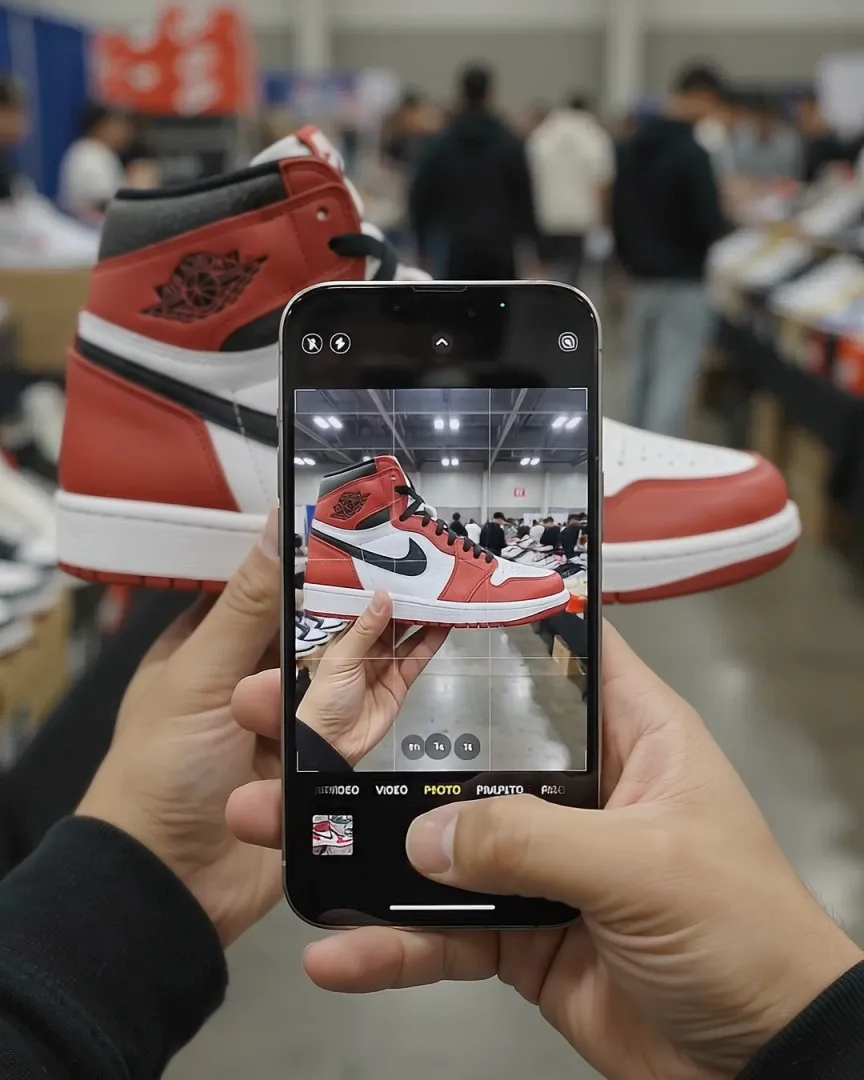
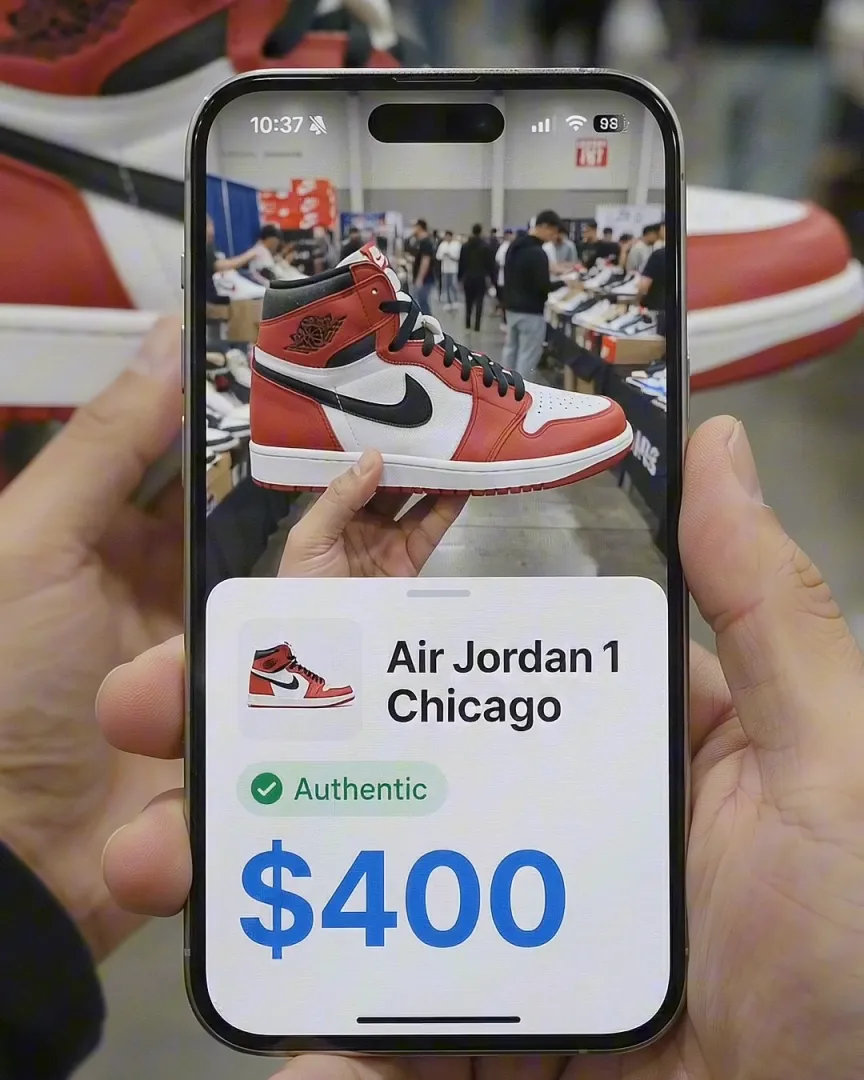
Sneaker AI is a Jordan authenticator on your iPhone. Photograph your Air Jordans and run an AI scan for common replica tells, or send the photos to two human authenticators for a verdict in under 5 minutes and a digital Certificate of Authenticity if the pair passes.
It is also a Jordan identifier. One photo returns the model, colorway and style code, so you know exactly which release you are checking.
 Free download · iPhone
- Instant AI scan
- 2-expert legit check
- Shareable certificate
4 steps
How to authenticate Jordans online
A Jordan authenticity check online runs on photos, so the photos come first.
- 01
Take the right photos
Both sides, the heel from behind, the toe box, the tongue tag, the insole, both size tags and the box label, in even daylight. - 02
Run the AI scan
Sneaker AI confirms the model and style code and flags common replica tells in seconds. - 03
Get two expert opinions
Two human authenticators review the same photos and return a verdict in under 5 minutes. - 04
Share the certificate
If the pair passes, you get a digital Certificate of Authenticity to send to a buyer or keep with the pair.
AI + experts
What a Jordan authenticator checks
A good Jordan shoes checker compares your photos against retail pairs of the same release. Shape, logos, stitching, materials and the size tag all have to agree. Sneaker AI does this at two levels:
| AI scan | Expert Legit Check | |
|---|---|---|
| Who checks | The AI model | Two human authenticators |
| Speed | Seconds | Under 5 minutes |
| Result | Model, style code and flagged replica tells | A verdict, plus a digital Certificate of Authenticity if the pair passes |
| Best for | A first screen on everyday pairs | Expensive pairs, collaborations and anything you plan to sell |
The heel from directly behind and a straight side profile matter most for Jordans, because shape is the hardest thing for counterfeiters to fix. Want to know when AI is enough and when to add people? Read AI vs. human legit checks.
Know the tells
The most-faked Jordans and their key tells
Counterfeiters go where resale demand is: Chicago, Bred and Royal Jordan 1s, Military Black and Black Cat 4s, and collaborations of every model. Always compare against retail photos of your exact release, since details change between retros. In brief:
- Jordan 1 High: the quickest original vs. fake check is the heel from behind. Retail pairs usually show an hourglass shape, and many fakes look boxy. Then check the toe box (fakes often sit too tall), the Wings logo (deep and sharp on retail pairs) and the tongue tag print.
- Jordan 1 Low: the heel logo must match the release: a Jumpman on standard Lows, a Wings logo on Low OGs, which also carry a “Nike Air” tongue tag. Check the toe shape and Swoosh against the reference, especially on collaboration Lows.
- Jordan 4: look at the toe box shape, the angle and thickness of the netting, the angle and finish of the plastic wings, the proportions of the tongue Jumpman, and whether the heel says Jumpman or “Nike Air” for that release.
- Jordan 11: compare the height and shine of the patent leather with the reference, since the cut varies between retros. On most retros the carbon fiber plate under the arch shows a woven pattern with real depth; a flat, printed look is a common tell. Icy soles yellow with age on real pairs too.
- Jordan 3: the elephant print should match the reference in scale and sharpness; fakes often print it too bold or too large. Check the height of the print around the toe and the heel branding for the release.
For every check in detail, read our Jordan 1 legit check and how to tell if Jordan 4s are fake.
Jordan identifier
Which Air Jordan do you have?
Every numbered Air Jordan has a few features that give it away. Use this table to narrow down the number, then confirm the exact release with the style code. Retros and special editions sometimes change materials or branding, so treat it as a guide, not a rulebook.
| Model | How to recognize it |
|---|---|
| Air Jordan 1 | Large Swoosh; Wings logo on the ankle collar (High and Mid); High, Mid and Low heights |
| Air Jordan 2 | No Swoosh on the side; clean leather upper with faux-lizard overlays |
| Air Jordan 3 | Elephant print on the toe and heel; visible Air unit; Jumpman on the tongue |
| Air Jordan 4 | Mesh netting on the sides and tongue; plastic lace “wings”; visible Air |
| Air Jordan 5 | Shark-tooth pattern on the midsole; reflective tongue and translucent sole on many colorways; lace lock |
| Air Jordan 6 | Rubber “spoiler” pull tab on the heel; two holes in the tongue; lace lock |
| Air Jordan 7 | No visible Air; geometric, multicolor accents on the tongue and midsole |
| Air Jordan 8 | Two crossover straps over the laces; chenille Jumpman on the tongue |
| Air Jordan 9 | Outsole printed with words in several languages |
| Air Jordan 10 | Outsole stripes listing Michael Jordan’s career highlights |
| Air Jordan 11 | Patent leather mudguard; translucent sole; carbon fiber plate |
| Air Jordan 12 | Stitched lines radiating across the upper, inspired by the Japanese rising-sun flag |
| Air Jordan 13 | Holographic “cat’s eye” logo on the side; paw-like outsole pods |
Jordan 1s cause the most mix-ups. A High has nine lace holes per side and a Mid has eight; see Jordan 1 High vs. Mid vs. Low. A Jordan 1 Low is easy to confuse with a Nike Dunk Low: check the heel, or use the Nike shoe identifier.
Serial number check
Air Jordan serial number check: what to look up
Air Jordans do not have a unique serial number. When people search for an Air Jordan serial number check, the number they need is the style code on the size tag: six characters, a dash and a three-digit color code. For example, 555088-101 is the 2015 Air Jordan 1 Retro High OG “Chicago.”
The tag also shows a production date range, a UPC barcode and factory codes. They identify the batch, style and size, not your individual pair. Here is how to use them:
- Find the size tag, usually on the back of the tongue, and read the style code.
- Compare it with the box label. The style code, size and UPC should match exactly.
- Search the code. The results should show your colorway, and the color names on the label should describe the colors you see.
- Check that the production dates make sense for that release, and that the left and right tags agree.
One caution: fakes copy real codes and UPCs. A code that checks out proves which Jordan the pair is meant to be, not that it is real. A code that does not check out is a strong red flag. Our guides to the Nike shoe tag (Jordan tags use the same format) and style code lookup explain each field.
Questions
Frequently asked questions
How does an online Jordan authenticator work?
You photograph the pair from set angles: both sides, the heel, the toe box, the tongue tag, both size tags, the insole and the box label. In Sneaker AI, the AI scan checks those photos for common replica tells and confirms the model and style code. For a final verdict, the Expert Legit Check sends them to two human authenticators, who reply in under 5 minutes.
Can I check if my Jordans are real online?
Yes. A photo-based legit check catches most fakes when the photos are sharp and cover the right angles. For expensive pairs and collaborations, use a two-expert check rather than relying on one opinion, and buy with buyer protection whenever you can.
Do Air Jordans have a serial number?
Not a unique one. The number people look up is the style code on the size tag, such as 555088-101, which identifies the model and colorway. The tag also shows production dates, a UPC and factory codes, but none of them identify your individual pair, and fakes often copy all of them.
How do I tell a Jordan 1 original vs. fake?
Start with the heel from directly behind: retail Jordan 1 Highs usually show an hourglass shape, while many fakes look boxy. Then check the toe box height, the depth and sharpness of the Wings logo, the tongue tag print, and whether the size tag matches the box label. Several flaws together usually mean a fake.
Which Air Jordan do I have?
Scan a side photo in Sneaker AI, or check the signature features: a Wings logo on the collar means a Jordan 1, elephant print a Jordan 3, mesh netting and plastic lace wings a Jordan 4, and a patent leather mudguard a Jordan 11. Confirm the exact release with the style code on the size tag.
Are Jordans with "Nike Air" on the heel fake?
No. Many retros of the original colorways, especially Jordan 3s and 4s, use "Nike Air" on the heel, while other releases use a Jumpman. What matters is whether the heel branding matches retail photos of your exact release.
Keep going
Related tools and guides
Nike shoe identifier & authenticator
Identify any Nike by photo or style code, then legit check it.
OpenAuthenticateSneaker authenticator
AI legit check plus two human experts and a shareable certificate.
OpenIdentifyWhat shoe is this?
Snap or upload a photo and get the exact model, colorway and style code.
OpenFree download · iOS
Check your Jordans before you pay.
Download Sneaker AI to identify any Air Jordan, scan it for replica tells, and get two experts to confirm it.