How to Identify Sneakers From a Picture (Find Any Shoe's Name)

You spot a pair on someone's feet, in a video, at a thrift store, or in an old photo, and you need to know what they are. Knowing how to identify sneakers from a picture used to mean hours of scrolling through release archives. Today, you can usually get from photo to exact model name in seconds, if you use the right method.
This guide covers the five best ways to identify any sneaker from a photo, from AI apps and reverse image search to the style code printed inside the shoe. It also covers how to take a photo that actually gets a match.
Quick answer: The fastest way to identify sneakers from a picture is an AI sneaker identifier app: snap or upload a photo and it returns the brand, model, colorway, and style code. If you have the shoe in hand, the style code on the size tag is the most precise identifier. For screenshots, Google Lens and reverse image search work well, and visual clues like the logo, sole, and silhouette narrow things down quickly.
Method 1: Use an AI Sneaker Identifier App
AI sneaker identifiers use computer vision models trained on huge numbers of sneaker images. When you upload a photo, the model analyzes the silhouette, panel layout, colors, materials, and logos, then matches them against its database of known models and colorways.
A good sneaker identifier returns:
- Brand and model (for example, Nike Dunk Low Retro)
- Colorway (for example, White/Black "Panda")
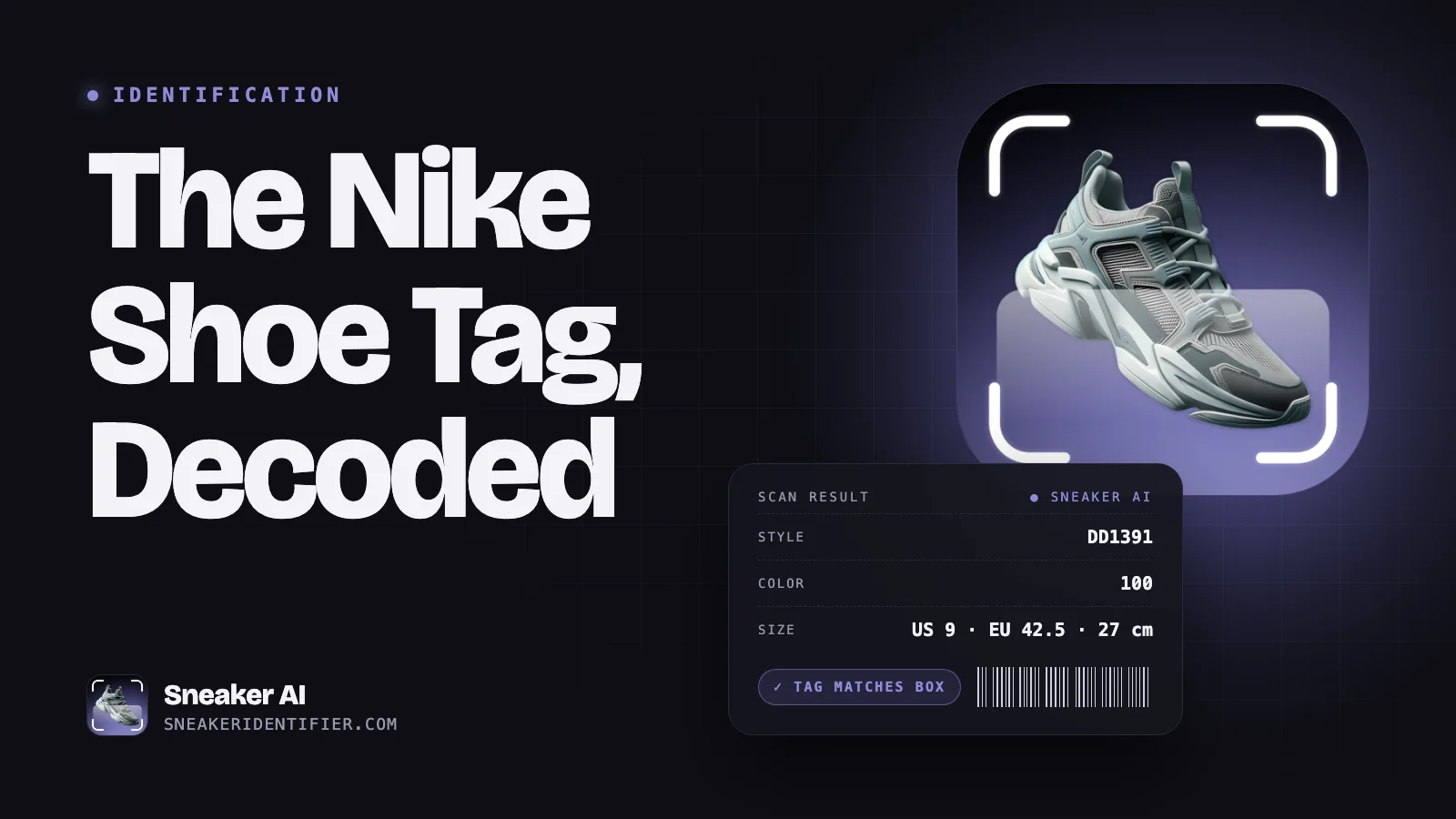
- Style code (for example, DD1391-100)
- Release year and, in many apps, current resale value
Best for: Pairs you're holding, clear photos, screenshots, and anything you want identified fast.
Tips for better results: Shoot the side profile in good light, fill the frame with the shoe, and add extra angles (toe, heel, sole) if the first result isn't confident.
Method 2: Read the Style Code (If You Have the Shoe)
If you can physically hold the shoe, the most precise identifier is printed right inside it. Look at the size tag, usually sewn on the back of the tongue or on the inner wall of the shoe, or check the box label if you have it.
- Nike and Jordan: The style-color code looks like DD1391-100. The first part is the model, and the last three digits are the colorway.
- Adidas: The article number is usually six characters, typically two letters followed by four digits.
- New Balance: Product codes usually include the model number. For example, 550 codes begin with BB550.
Search the code on Google or a resale platform and you'll get the exact shoe, colorway included. For a full breakdown of every field on the tag, see our guide to the Nike shoe tag.
Best for: Thrift finds, closet clean-outs, and pairs with no box.
Method 3: Google Lens and Reverse Image Search
Reverse image search compares your photo with images across the web, and it's excellent at recognizing popular sneakers.
- On your phone: Open the Google app and tap the Lens (camera) icon, or long-press an image in Chrome and choose to search it with Google Lens.
- On desktop: Right-click an image in Chrome and choose to search the image with Google.
Tips:
- Crop to the shoe so the search isn't distracted by the outfit or background
- Try several angles. The side profile usually works best.
- Check the shopping results. Retail and resale listings often name the exact model and colorway.
Best for: Screenshots and photos of shoes you can't physically inspect.
Limitations: Results can mix up similar colorways or show lookalikes, especially for general colors like white or black. Confirm the result by comparing details like the sole, logo placement, and panel colors.
Method 4: Decode the Visual Clues Yourself
Even without an app, a few visual clues get you surprisingly far. Work from brand, to silhouette, to colorway.
Step 1: Identify the Brand
- Nike: The Swoosh
- Jordan: The Jumpman logo or the "Wings" logo
- Adidas: The Three Stripes, the Trefoil, or the three-bar Badge of Sport
- New Balance: The big "N" on the side
- Puma: The Formstrip, a curved stripe sweeping along the side
- Vans: The "jazz stripe" (Sidestripe) and a waffle outsole
- Converse: A rubber toe cap and the star ankle patch on high-tops
- ASICS and Onitsuka Tiger: Crossing stripes on the side panels
Step 2: Identify the Silhouette
| Model | How to recognize it |
|---|---|
| Air Jordan 1 | Basketball shoe with a big Swoosh; the High has the "Wings" logo on the ankle collar |
| Nike Dunk Low | Similar paneling to the Jordan 1, with "NIKE" embroidered on the heel and no Wings logo |
| Air Force 1 | Thick midsole with "AIR" on the side near the heel, perforated toe box, metal lace tag on the Low |
| Air Jordan 4 | Plastic lace "wings," mesh netting on the sides, visible Air unit in the heel |
| Nike Air Max | A visible Air unit window in the midsole |
| Adidas Samba | Low and slim, with a suede T-shaped toe overlay, gum sole, and gold "Samba" lettering |
| Adidas Gazelle | Suede upper, contrast stripes, and gold "Gazelle" lettering |
| Adidas Campus 00s | Chunky suede, thick tongue, and fat laces |
| New Balance 550 | Leather basketball-style low-top with a perforated toe and large "N" |
| Converse Chuck Taylor | Canvas upper, rubber toe cap, and rubber sidewall stripes |
| Vans Old Skool | Low-top skate shoe with a side "jazz stripe" and padded collar |
Step 3: Pin Down the Colorway
Once you know the model, describe the colors and search for them with the model name (for example, "Dunk Low white black"). Many famous colorways have community nicknames, such as "Panda," "Bred," or "Chicago," which make them much easier to find. Our guide to sneaker colorway nicknames explains the most common ones.
Method 5: Ask the Sneaker Community
When all else fails, sneaker communities are remarkably good at identification. Post a clear photo on sneaker forums, subreddits, or Discord servers and ask for an ID. Collectors can often name obscure regional releases, samples, and vintage pairs from a single photo.
If you saw the shoes in someone's post, check the caption and comments first. Often someone has already asked.
How to Take a Photo That Gets Identified
The quality of your photo makes a huge difference, whether you're using an app, Google Lens, or asking people:
- Shoot the outer side profile. It shows the most identifying features.
- Use bright, even light. Daylight from a window is ideal. Avoid harsh shadows and colored lighting.
- Fill the frame with the shoe, with nothing important cut off.
- Add the sole, tongue, and heel from separate angles.
- Photograph the size tag if you have the shoe. It's the shortcut to an exact match.
- Skip filters. They shift colors and can lead to the wrong colorway.
Identifying a Sneaker Isn't the Same as Authenticating It
A photo can tell you what a sneaker is supposed to be, but not whether that specific pair is real. Counterfeits are made to look like the real thing, so an identification result for "Jordan 4 Military Black" doesn't mean the pair is authentic.
If you're buying or selling, follow identification with a legit check. Our complete sneaker authentication guide covers the full process, and our breakdown of AI vs. human legit checks explains which level of checking makes sense for which pairs.
What to Do After You Identify a Pair
- Want to sell or insure it? Learn how much your sneakers are worth using recent sold prices.
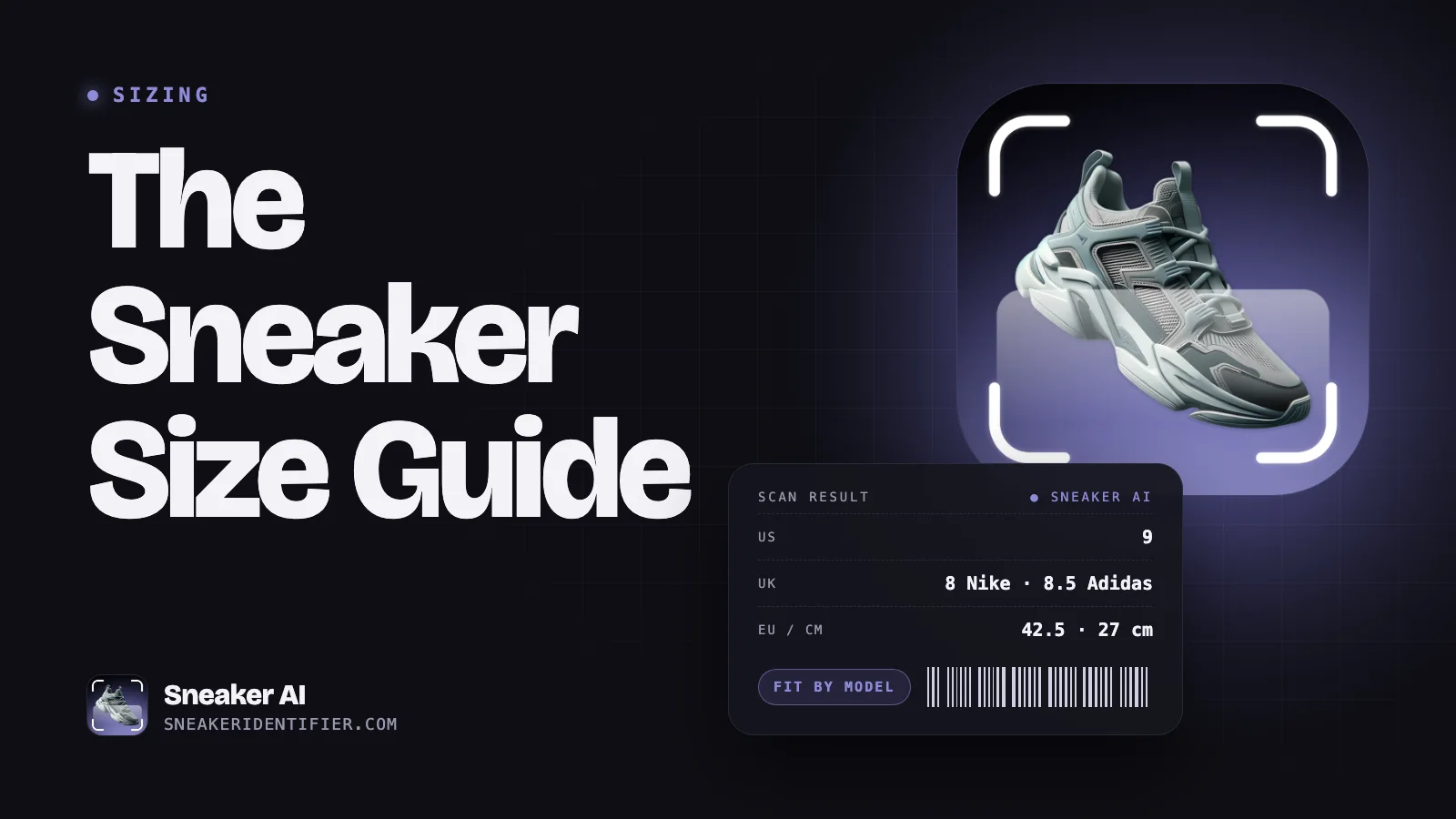
- Want to buy it? Check our sneaker size guide and our guide on how to not get scammed buying sneakers online.
- Want to restore it? Start with our guide on how to clean white sneakers.
Frequently Asked Questions About Identifying Sneakers
Can Google identify shoes from a picture?
Yes. Google Lens can recognize many popular sneakers from a photo or screenshot and often links to shopping listings with the model name. It sometimes confuses similar colorways, so double-check the result.
What app can identify shoes from a picture?
AI sneaker identifier apps, such as Sneaker AI, are built specifically for this. Snap a photo, and the app returns the model, colorway, style code, and often the current market value. Specialized apps are usually more precise for sneakers than general image search.
How do I find the name of a shoe without the box?
Look for the size tag inside the shoe, usually on the back of the tongue. It carries the style code, which you can search to find the exact model and colorway.
How do I identify old or vintage sneakers?
Start with the size tag. Even older tags usually show a style code and a production date range. If the tag is gone, use visual clues (logo style, sole design, materials) and ask collector communities, which are especially good with vintage pairs.
Can I identify sneakers from a blurry screenshot?
Often, yes, especially for popular models with distinctive shapes. Crop tightly to the shoe and try both an AI identifier and Google Lens. If results are unclear, look for a better frame or a different angle from the same video.
How do I find shoes I saw on TikTok or Instagram?
Check the caption, comments, and the creator's links first. Then screenshot the clearest frame, crop to the shoes, and run it through an AI identifier or Google Lens.
Identifying a sneaker from a photo is now a quick, mostly solved problem. Start with an AI identifier or the style code, use reverse image search and visual clues to confirm, and remember that knowing what a shoe is comes before knowing whether it's real.
What Shoe Is That?
Snap a photo and Sneaker AI identifies the model, colorway, style code, and release year in seconds — with live resale prices for your size.